
Creating a comfortable and organized home workspace can significantly improve your productivity. With many people working remotely or managing tasks from home, having a dedicated and well-arranged area is key. This post shares simple and effective tips to help you organize your home workspace and boost your efficiency.
Why Organizing Your Workspace Matters
A cluttered or disorganized workspace can lead to distractions, stress, and lost time searching for things. On the other hand, a tidy, well-planned area helps you focus, feel calm, and find everything you need quickly. When your environment supports your goals, productivity naturally improves.
Choose the Right Location for Your Workspace
Start by selecting a spot in your home where you can work comfortably and with minimal distractions.
– Quiet Area: Look for a space away from high-traffic zones or noisy appliances.
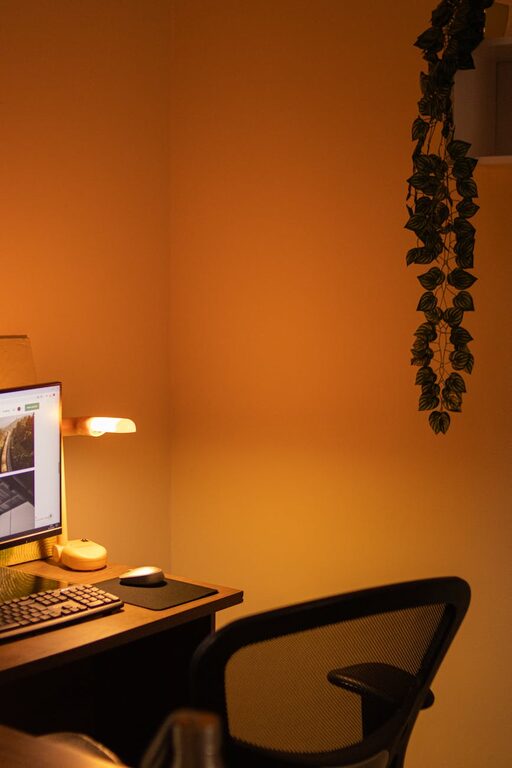
– Good Lighting: Ideally, your workspace should have natural light. If that’s not possible, invest in a good desk lamp.
– Comfortable Seating: Choose an ergonomic chair that supports your posture to prevent discomfort during long work periods.
Declutter and Keep Only Essentials
Less is more when it comes to organizing your workspace.
– Clear Your Desk: Remove items that are not related to your work tasks.
– Use Storage Solutions: Employ drawers, shelves, or bins for supplies you don’t use every day.
– Digital Declutter: Organize your computer files and emails regularly to avoid digital chaos.
Organize Your Desk for Easy Access
Keeping frequently used items within reach saves time and keeps you focused.
– Use Desk Organizers: Trays, pen holders, or small baskets help keep things neat.
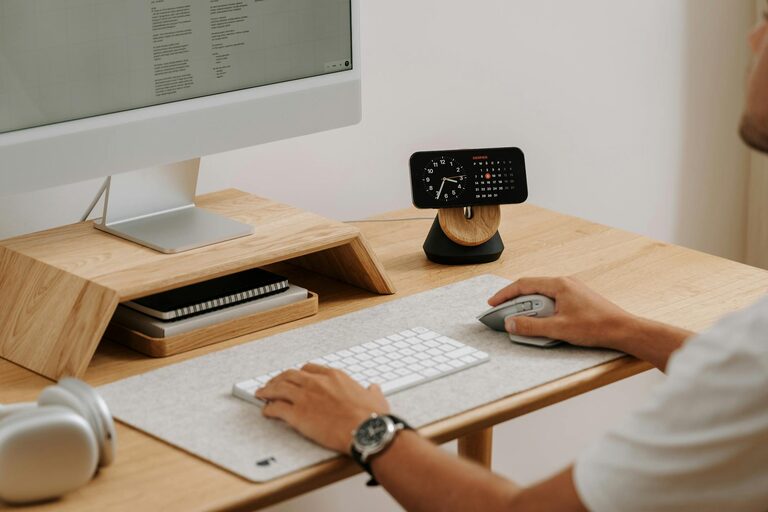
– Arrange Equipment Logically: Place your keyboard, mouse, and monitor to promote good posture and comfort.
– Limit Personal Items: A few inspirational or personal touches are good, but too many can become distractions.
Manage Cables and Power Sources
Cables can quickly become tangled and messy, detracting from a clean workspace.
– Use Cable Clips or Ties: Keep cords bundled and out of the way.
– Consider a Power Strip: A strip with USB ports allows charging multiple devices neatly.
– Position Power Sources Conveniently: Arrange your desk near outlets to reduce the length of cords stretched across your space.
Create a System for Paperwork and Tasks
Paper documents and reminders can clutter your desk if not managed properly.
– Use Folders or File Holders: Sort papers by category or priority.
– Adopt a Task Planner: Keep a planner or calendar nearby to track deadlines and appointments.
– Set Daily Priorities: Adjust your to-do list regularly to stay on top of work.
Personalize Your Space Mindfully
Your workspace should feel inviting but also support focus.
– Add Plants: Small indoor plants can brighten your space and improve air quality.
– Choose Calming Colors: If possible, decorate with colors that promote concentration, such as blues or greens.
– Incorporate Motivational Items: A quote or artwork can inspire without causing clutter.
Maintain Your Organized Workspace
Organization is an ongoing process, not a one-time task.
– End Your Day with a Quick Tidy: Spend a few minutes clearing your desk before finishing work.
– Review Your Setup Monthly: Adjust as needed to keep your space efficient and comfortable.
– Practice Good Habits: Put items back in their place after use to maintain order.
Boosting Productivity Beyond Workspace Organization
While an organized space supports productivity, remember to take regular breaks, set realistic goals, and maintain a healthy work-life balance. Combining these habits with a clean workspace will deliver the best results.
—
By following these tips, you can transform your home workspace into a calm, efficient environment that helps you focus and get more done. The key is to start simple, tailor the space to your needs, and keep it organized consistently. Happy organizing!
About the Author