Creating a productive home office environment is essential for anyone working remotely or running a business from home. A well-designed workspace can improve focus, reduce distractions, and promote a healthy work-life balance. Here are practical tips to help you set up a home office that supports your productivity and well-being.
Choose the Right Location
Selecting the right spot for your home office is the first step. Ideally, pick a quiet area with plenty of natural light and minimal foot traffic. A dedicated space separate from living areas helps create a clear boundary between work and relaxation.
Consider these when choosing your office location:
– A spare room or a corner with a door you can close
– Areas near windows for daylight and fresh air
– Spaces away from noisy appliances or household activity
If you don’t have a separate room, use room dividers or curtains to visually separate your workspace.
Invest in Ergonomic Furniture
Comfort is key to maintaining productivity throughout the day. Ergonomic furniture helps prevent strain and fatigue.
Essential ergonomic items:
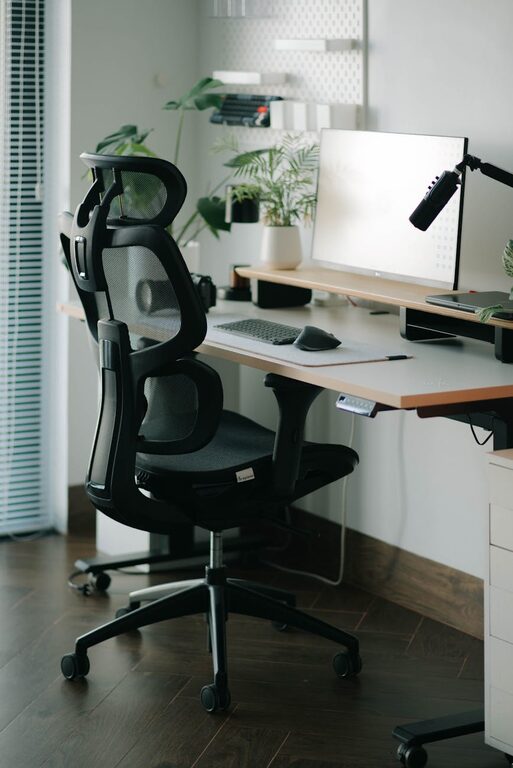
– Desk: Choose a desk at a comfortable height. Adjustable desks that allow sitting and standing options are ideal.
– Chair: Invest in an adjustable office chair with lumbar support. Your feet should rest flat on the floor, and your knees should be at a 90-degree angle.
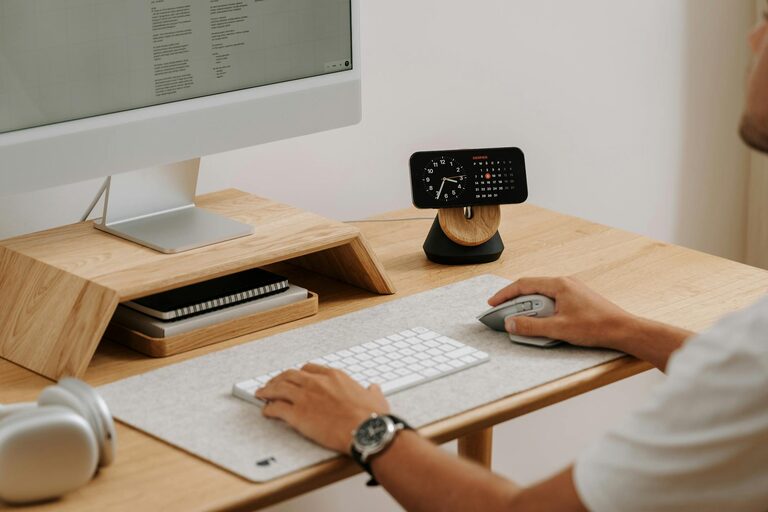
– Accessories: Consider ergonomic keyboards, mice, and monitor stands to reduce wrist and neck strain.
Organize Efficiently
Clutter and disorganization can distract and hinder your workflow. Keep your workspace tidy and organized.
Tips for keeping organized:
– Use drawers, shelves, and filing cabinets to store supplies and documents.
– Label storage containers for easy identification.
– Maintain a clean desktop by storing items you don’t need daily out of sight.
– Create digital organization systems for files and emails.
Optimize Lighting
Good lighting reduces eye strain and keeps you alert. Natural light is best, but when that’s not possible, use quality artificial lighting.
Lighting considerations:
– Position your desk near a window to take advantage of daylight.
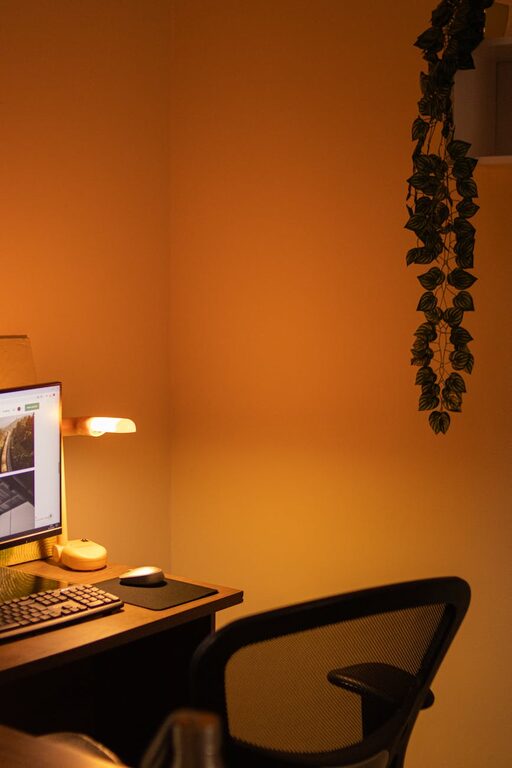
– Use adjustable desk lamps with soft, warm white bulbs.
– Avoid glare by positioning screens away from direct light sources.
Minimize Distractions
A productive workspace should limit interruptions.
Strategies to stay focused:
– Set ground rules with family or housemates about your work hours.
– Turn off notifications on your phone or use apps that block distracting websites.
– Use noise-cancelling headphones or play focus-enhancing background music if needed.
Personalize Your Space
Adding personal touches can make your office more inviting and motivating.
Ideas to personalize:
– Display photos or artwork that inspire you.
– Add plants to improve air quality and add life to the room.
– Choose colors and decor that make you feel calm and focused.
Maintain a Routine
A productive home office also depends on your habits.
Healthy routines include:
– Setting specific work hours to create structure.
– Taking regular breaks to stretch or walk.
– Organizing your tasks with to-do lists or productivity apps.
Technology Setup
Ensure your technology supports your work without issues.
Tech tips:
– Use reliable internet and backup solutions like mobile hotspots.
– Keep chargers, cables, and accessories organized.
– Regularly update your software and use antivirus protection.
Final Thoughts
A productive home office is a blend of good design, comfort, organization, and discipline. Tailor your space to fit your needs, stay organized, and cultivate healthy work habits to make the most of your remote work experience. By investing a little time into your workspace setup, you can create an environment that helps you stay focused and motivated every day.
About the Author